The useEffect hook in React JS
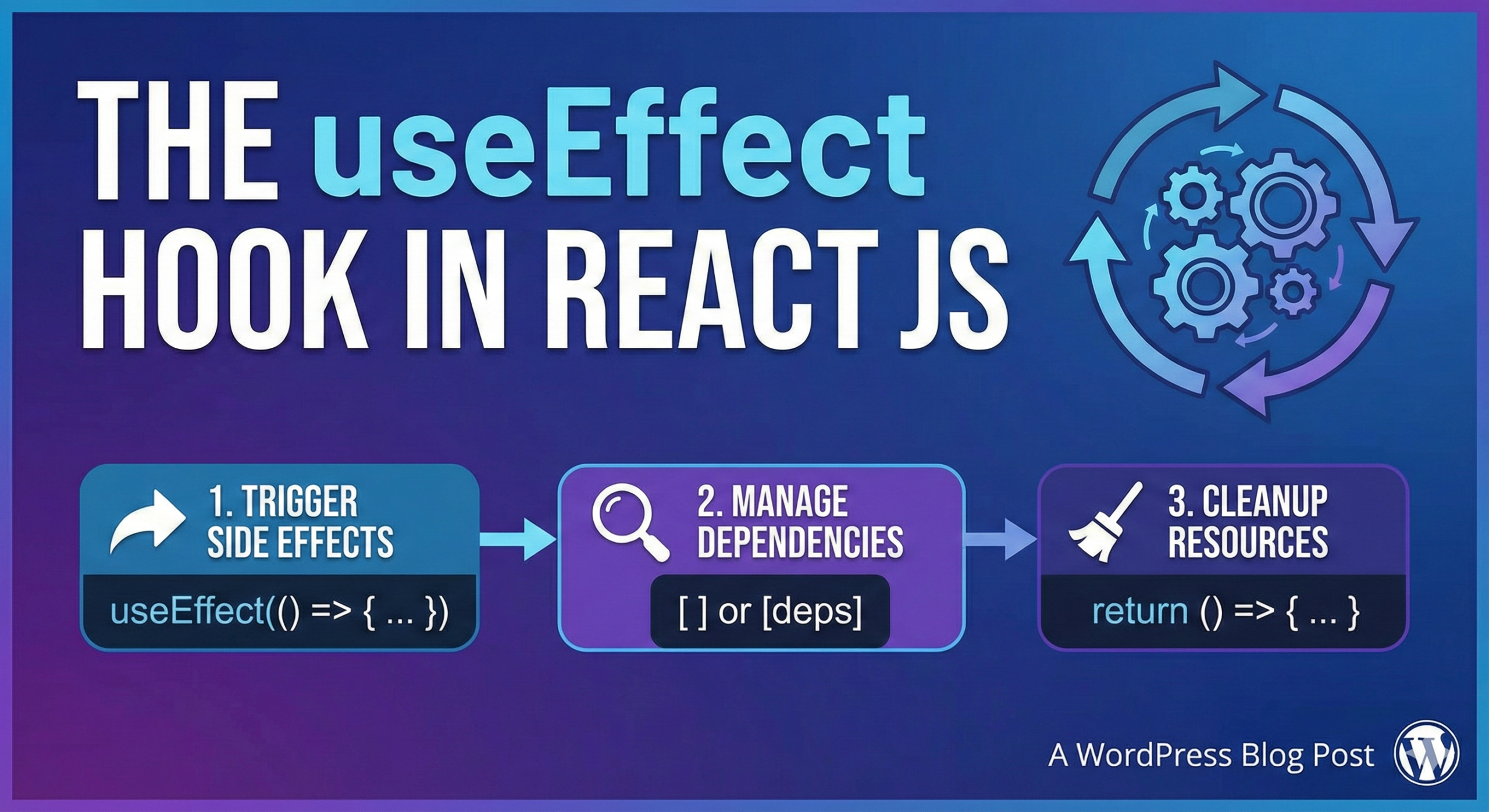
The useEffect hook is a feature in React that allows you to perform side effects in functional components. Side effects are operations that have an effect on something outside the component itself, such as making an API call or updating the DOM.
Here is an example of how you might use the useEffect hook to fetch data from an API and update the component’s state:
import { useState, useEffect } from 'react';

function MyComponent() {
    const [data, setData] = useState(null);

    useEffect(() => {
        async function fetchData() {
            const response = await fetch('https://my-api.com/endpoint');
            const data = await response.json();
            setData(data);
        }
        fetchData();
    }, []);

    return <div>{data ? <div>{data.name}</div> : <div>Loading...</div>}</div>;
}
In this example, the useEffect hook is called with a function that makes an API call to https://my-api.com/endpoint and updates the component’s state with the response data. The hook is also called with an empty array as the second argument. This tells the hook to only run the effect when the component mounts and not on subsequent renders.
The useEffect hook is called after the component renders, so it can be used to perform operations that update the DOM or interact with other parts of the application. It is a powerful tool that allows you to add side effects to functional components and helps to make your code more reusable and easier to maintain.
Different ways to use the useEffect hook
The useEffect hook can be used in a variety of ways, depending on the specific needs of your application. Here are a few different ways you might use the useEffect hook:
- To perform an operation when the component mounts and unmounts:
useEffect(() => {
    // Perform some operation when the component mounts
    return () => {
        // Perform some operation when the component unmounts
    };
}, []);
In this example, the useEffect hook is called with an empty array as the second argument. This tells the hook to only run the effect when the component mounts and not on subsequent renders. The hook is also called with a return value, which is a function that is called when the component unmounts. This can be used to perform clean-up operations, such as canceling a network request or removing an event listener.
- To perform an operation when a specific value changes:
useEffect(() => {
    // Perform some operation when the value of someVariable changes
}, [someVariable]);
In this example, the useEffect hook is called with an array that contains the someVariable value as the second argument. This tells the hook to run the effect whenever the value of someVariable changes. This can be useful for performing an operation that depends on the value of a specific variable, such as making an API call with a query parameter or setting up an event listener with a specific target.
- To perform an operation when multiple values change:
useEffect(() => {
    // Perform some operation when the value of someVariable or anotherVariable changes
}, [someVariable, anotherVariable]);
In this example, the useEffect hook is called with an array that contains the someVariable and anotherVariable values as the second argument. This tells the hook to run the effect whenever the value of either someVariable or anotherVariable changes. This can be useful for performing an operation that depends on the values of multiple variables.