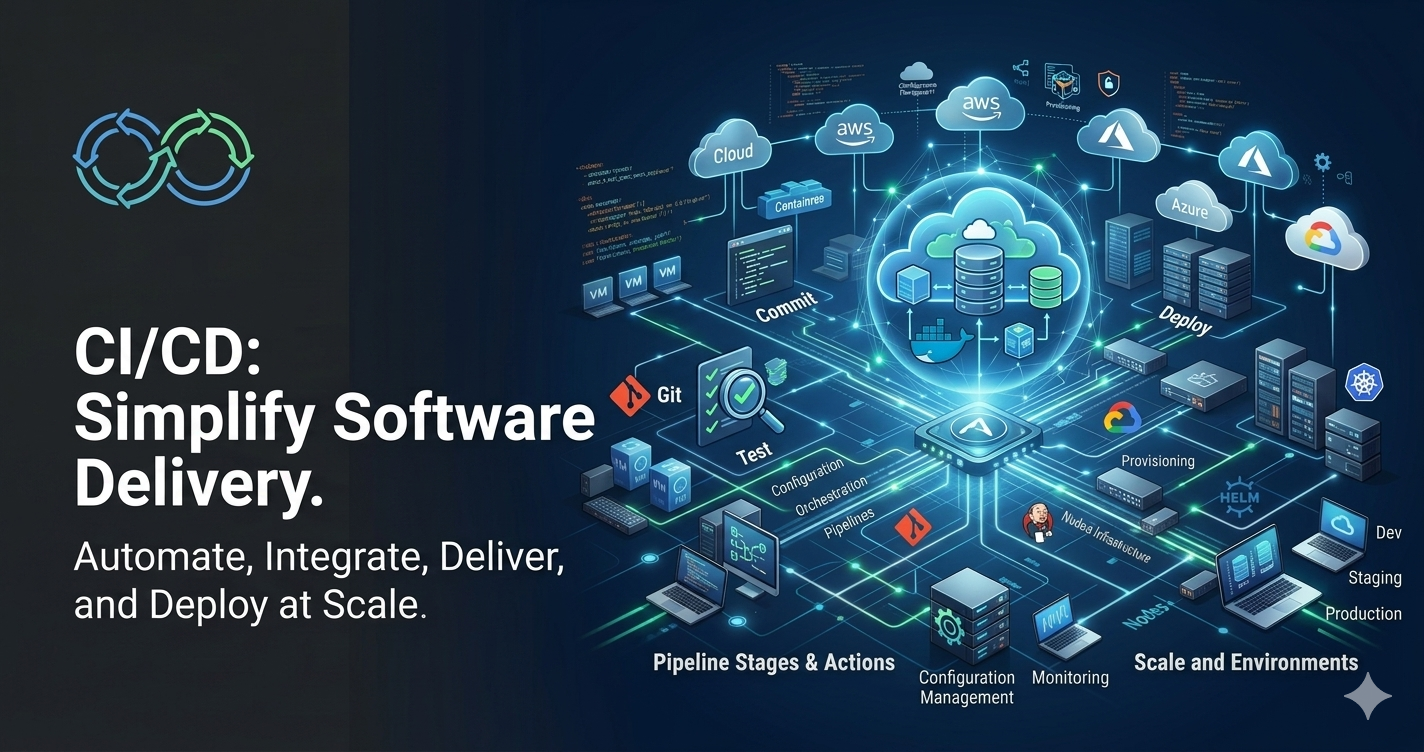
Introduction to CI/CD: Streamlining Modern Software Development
Introduction to CI/CD
Introduction
Modern software development demands speed, reliability, and the ability to deliver new features frequently without compromising quality. Organizations that release software once every few months often struggle to respond to customer feedback, fix bugs quickly, or keep up with competitors. In contrast, companies like Netflix, Amazon, Google, and Facebook deploy software changes multiple times every day.
This level of agility is made possible through CI/CD (Continuous Integration and Continuous Delivery/Deployment).
CI/CD is a software development practice that automates the process of building, testing, and deploying applications. Instead of manually performing repetitive tasks, developers rely on automated pipelines that ensure every code change is verified, tested, and delivered consistently.
Whether you are building a simple web application or a large enterprise system, understanding CI/CD has become an essential skill for every software developer, DevOps engineer, QA engineer, and system administrator.
What is CI/CD?
CI/CD stands for:
- Continuous Integration (CI)
- Continuous Delivery (CD)
- Continuous Deployment (CD)
Although these terms are often used together, each represents a different stage in the software delivery process.
The primary objective of CI/CD is to automate software delivery while maintaining high quality and reducing deployment risks.
Why CI/CD is Important
Traditional software development often involves lengthy integration and deployment cycles.
A typical workflow might look like this:
- Developers work independently for weeks.
- Code is merged near the release date.
- Integration conflicts appear.
- Manual testing begins.
- Deployment is performed manually.
- Production issues are discovered after release.
This approach introduces several challenges:
- Late detection of bugs
- Merge conflicts
- Slow releases
- Human deployment errors
- Long testing cycles
- Difficult rollbacks
CI/CD addresses these problems by introducing automation throughout the software delivery lifecycle.
Understanding Continuous Integration (CI)
Continuous Integration is the practice of frequently integrating code changes into a shared repository.
Instead of waiting for weeks before merging changes, developers merge their work several times a day.
Each integration automatically triggers:
- Source code checkout
- Compilation
- Dependency installation
- Static code analysis
- Unit testing
- Packaging
If any step fails, the developer is immediately notified.
Continuous Integration Workflow
Developer
     |
     v
Write Code
     |
     v
Commit Changes
     |
     v
Git Repository
     |
     v
CI Server
     |
     +------ Compile
     |
     +------ Run Unit Tests
     |
     +------ Static Code Analysis
     |
     +------ Package Application
     |
     v
Build Success / Failure
Benefits of Continuous Integration
Early Bug Detection
Errors are discovered immediately after code is committed rather than weeks later.
Reduced Merge Conflicts
Since developers integrate frequently, code conflicts remain small and manageable.
Better Code Quality
Automated testing ensures broken code never reaches later stages.
Faster Feedback
Developers receive immediate feedback whenever their changes introduce problems.
Reliable Builds
Every successful build can be reproduced consistently.
Understanding Continuous Delivery
Continuous Delivery extends Continuous Integration.
Once the application has been successfully built and tested, it is automatically prepared for deployment.
The deployment package is always ready for production, but a human decides when to release it.
Typical Continuous Delivery Pipeline
Developer
      |
      v
Commit Code
      |
      v
Continuous Integration
      |
      v
Automated Testing
      |
      v
Package Application
      |
      v
Deploy to Test
      |
      v
Deploy to Staging
      |
      v
Manual Approval
      |
      v
Production
Notice that production deployment still requires human approval.
Understanding Continuous Deployment
Continuous Deployment goes one step further.
Once every automated test passes, the application is automatically deployed into production without human intervention.
Pipeline:
Commit Code
      |
      v
Build
      |
      v
Unit Tests
      |
      v
Integration Tests
      |
      v
Security Scan
      |
      v
Acceptance Tests
      |
      v
Automatic Production Deployment
No manual approval is required.
Continuous Delivery vs Continuous Deployment
| Feature | Continuous Delivery | Continuous Deployment |
|---|---|---|
| Build Automation | Yes | Yes |
| Testing Automation | Yes | Yes |
| Production Ready | Yes | Yes |
| Manual Approval | Required | Not Required |
| Production Deployment | Manual | Automatic |
| Suitable For | Enterprise applications | Cloud-native products |
CI/CD Pipeline
A CI/CD pipeline is a sequence of automated stages that software passes through before reaching users.
Typical pipeline stages include:
Source Code
      |
      v
Build
      |
      v
Unit Tests
      |
      v
Code Quality Check
      |
      v
Security Scan
      |
      v
Integration Testing
      |
      v
Package
      |
      v
Deploy to Staging
      |
      v
Acceptance Testing
      |
      v
Deploy to Production
Each stage validates the application before allowing it to progress further.
Typical CI/CD Pipeline Stages
1. Source Control
Developers commit code into version control systems like Git.
Popular platforms include:
- GitHub
- GitLab
- Bitbucket
- Azure Repos
2. Build Stage
The application is compiled.
Examples:
Java
mvn clean packageNode.js
npm install
npm run build
Python
pip install -r requirements.txt3. Unit Testing
Automated unit tests verify individual functions or classes.
Examples include:
- JUnit
- NUnit
- PyTest
- Jest
4. Static Code Analysis
The code is inspected without execution.
Checks include:
- Coding standards
- Complexity
- Security vulnerabilities
- Duplicate code
- Maintainability
Popular tools:
- SonarQube
- ESLint
- PMD
- Checkstyle
5. Security Scanning
Applications are scanned for vulnerabilities.
Examples:
- Dependency vulnerabilities
- Secret detection
- Container image scanning
- License compliance
6. Package Creation
The application is packaged into deployable artifacts.
Examples:
- JAR
- WAR
- Docker Image
- ZIP Package
7. Deployment
Applications are deployed to:
- Development
- Testing
- Staging
- Production
Deployment can be:
- Manual
- Semi-automatic
- Fully automatic
Common CI/CD Tools
Source Control
- Git
- GitHub
- GitLab
- Bitbucket
Build Tools
- Maven
- Gradle
- Ant
- npm
CI Servers
- Jenkins
- GitHub Actions
- GitLab CI/CD
- Azure Pipelines
- CircleCI
- Travis CI
Containerization
- Docker
- Podman
Container Orchestration
- Kubernetes
- OpenShift
- Amazon EKS
- Google Kubernetes Engine
Infrastructure Automation
- Terraform
- Ansible
- Puppet
- Chef
Example CI/CD Workflow
Imagine a developer fixes a login bug.
Step 1
Developer modifies code.
Step 2
Developer commits changes.
git add .
git commit -m "Fixed login validation"
git push
Step 3
CI server detects new commit.
Step 4
Build starts automatically.
Step 5
Dependencies are downloaded.
Step 6
Application is compiled.
Step 7
Unit tests execute.
Step 8
Code quality analysis begins.
Step 9
Security scans run.
Step 10
Docker image is created.
Step 11
Application is deployed to staging.
Step 12
Acceptance tests execute.
Step 13
Application is deployed to production (automatically or after approval).
Entire process can complete within minutes.
Benefits of CI/CD
Faster Releases
Organizations can deploy software multiple times daily.
Higher Software Quality
Automated testing catches issues early.
Lower Risk
Small, frequent changes are easier to validate and roll back than large releases.
Increased Productivity
Developers spend less time on repetitive manual tasks.
Improved Collaboration
Frequent integration encourages better teamwork and transparency.
Consistent Deployments
Automation reduces environment-specific issues and manual mistakes.
Faster Recovery
Automated rollbacks and redeployments minimize downtime.
Challenges in Implementing CI/CD
Although CI/CD offers numerous advantages, organizations often face challenges during adoption.
Legacy Applications
Older systems may not support automated builds or testing.
Lack of Automated Tests
Without reliable tests, automation cannot provide confidence.
Infrastructure Complexity
Managing environments consistently requires careful planning.
Security Considerations
Pipelines must protect credentials, secrets, and deployment permissions.
Cultural Change
Successful CI/CD adoption requires collaboration among development, operations, QA, and security teams.
Best Practices for CI/CD
- Commit code frequently in small increments.
- Maintain a comprehensive automated test suite.
- Keep builds fast to provide quick feedback.
- Use version control for application code and infrastructure.
- Treat infrastructure as code.
- Store secrets securely using dedicated secret management solutions.
- Monitor pipeline performance and failures.
- Implement code reviews before merging.
- Use feature branches and pull requests effectively.
- Maintain consistent environments across development, testing, and production.
CI/CD in DevOps
CI/CD is a foundational practice within DevOps.
While DevOps focuses on collaboration between development and operations teams, CI/CD provides the automation that enables rapid, reliable software delivery.
A typical DevOps lifecycle includes:
Plan
   |
Code
   |
Build
   |
Test
   |
Release
   |
Deploy
   |
Operate
   |
Monitor
   |
Feedback
   |
Repeat
CI/CD automates much of the Build, Test, Release, and Deploy phases, creating a continuous feedback loop that supports rapid iteration and continuous improvement.
Real-World Example
Consider an online shopping application.
A developer fixes an issue where customers cannot apply discount coupons.
Instead of waiting for the next monthly release:
- The code is committed to Git.
- The CI pipeline compiles the application.
- Automated tests validate the coupon functionality.
- Security scans verify dependencies.
- A Docker image is built.
- The application is deployed to a staging environment.
- Automated acceptance tests confirm the fix.
- After approval—or automatically, depending on the pipeline—the update is released to production.
Customers receive the fix within hours rather than weeks, and the automated checks reduce the likelihood of introducing new issues.
Summary
CI/CD has transformed modern software delivery by automating the build, test, and deployment lifecycle. Continuous Integration encourages frequent code integration and immediate validation, Continuous Delivery ensures every successful build is always production-ready, and Continuous Deployment takes automation further by releasing validated changes directly to production.
By adopting CI/CD, organizations can deliver software more frequently, improve product quality, reduce deployment risk, and respond more quickly to customer needs. As software systems continue to grow in complexity, CI/CD has become an essential practice for teams aiming to achieve reliable, scalable, and efficient software delivery.